


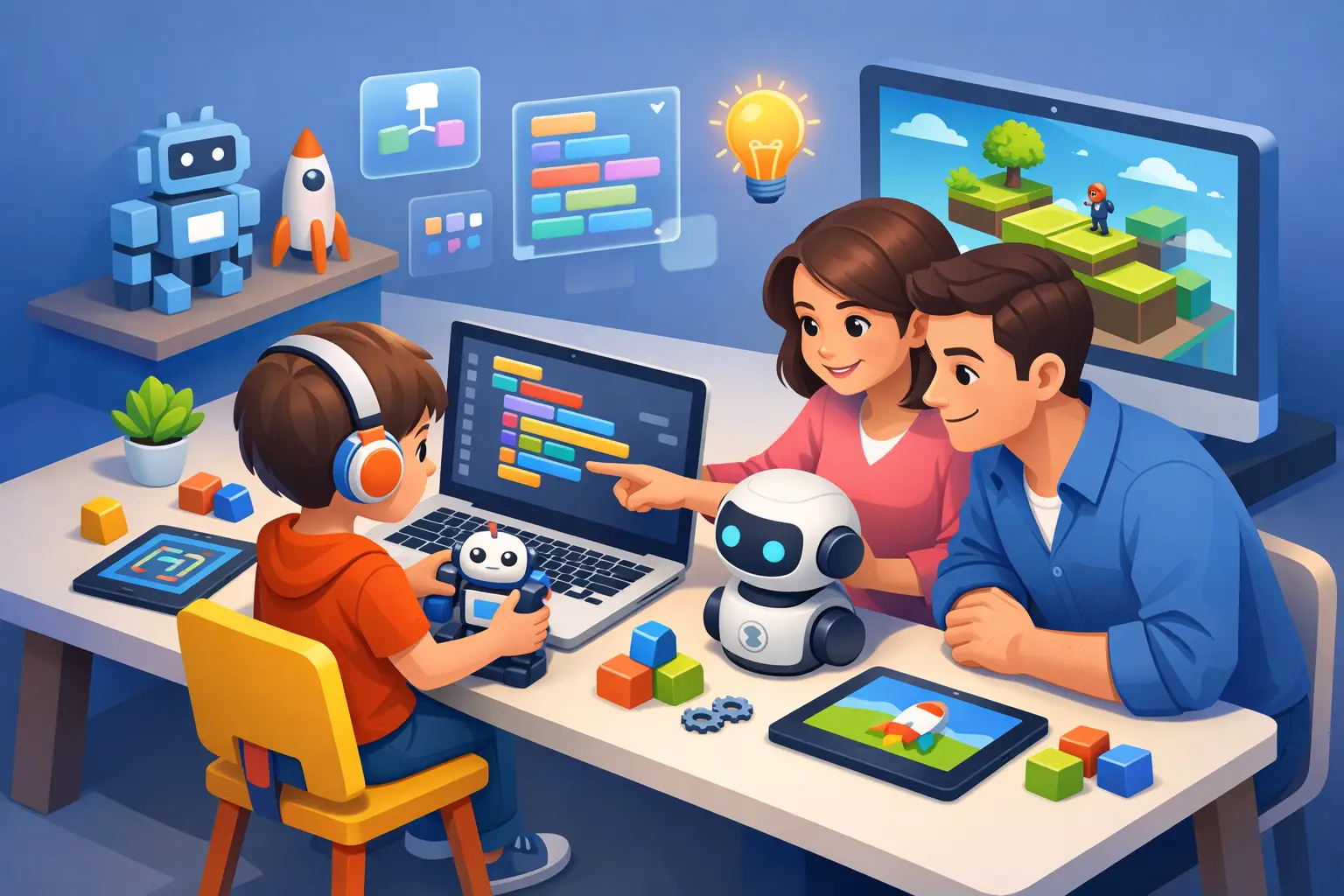
A child who spends an hour changing a character’s movement, fixing an error, and trying again is doing far more than using a screen. They are practicing how to break a big problem into smaller decisions. That is why the search phrase çocuklar için kodlama matters to many parents: coding can turn screen time into a more active, creative, and reflective experience.
For children who find schoolwork, attention, reading, or multi-step tasks demanding, the right coding activity can offer a different entry point into learning. There is no single “best” program for every child, though. The goal is not to raise a programmer by age eight. It is to find a format that helps your child feel capable, curious, and willing to persist.
What Children Really Learn Through Coding
Coding is often described as a technical skill, but children experience it as a series of choices: What should this character do? Why did the game not work? What can I change? That process can support executive-function habits such as sequencing, planning, flexible thinking, and checking work.
A simple animation can teach cause and effect. A game with points can introduce variables and rules. A robot that follows instructions can make abstract logic feel physical and visible. These activities may also support confidence because the child can see a direct result of their own decision.
This is especially meaningful for children who are used to hearing that they are “behind,” distracted, or making mistakes. In a well-designed coding session, mistakes are expected information. The program did not fail because the child is incapable. It simply needs another instruction.
That distinction matters. When adults respond calmly to errors, coding becomes practice in persistence rather than another performance test.
Çocuklar İçin Kodlama: Start With Readiness, Not Age
Age labels are useful, but readiness is more helpful. A six-year-old who loves visual puzzles may enjoy block-based coding. A ten-year-old who dislikes reading-heavy tasks may still be more engaged by a visual game builder than by text-based code. A teenager who enjoys art, music, or gaming may be motivated by creative projects rather than formal lessons.
Look for three signs before choosing a starting point: your child can follow a short sequence of steps, they show some interest in making or changing things, and they can stay with a small challenge for several minutes. They do not need to be “good at math” first.
For many younger children, unplugged activities are a strong beginning. You can ask your child to give you precise instructions for making a sandwich, moving across a room, or drawing a shape. When an instruction is unclear, pause and let them revise it. This introduces algorithms without adding a device or a new platform.
Children roughly ages 6 to 9 often respond well to block-based environments where they drag colorful command blocks into place. The lower reading demand can help children focus on logic and creativity. Ages 9 to 12 may be ready for more detailed game design, animation, or beginner robotics, depending on their interest and frustration tolerance. Teens can explore web design, game creation, app concepts, or text-based languages when they have a project they genuinely want to build.
Choose a Project Your Child Can Finish
The most common parent mistake is choosing a course that is too broad or too advanced. “Learn coding” feels like a big goal. “Make a two-level maze game this weekend” gives a child a clear finish line.
Start with projects that can be completed in one or two short sessions. A dancing character, an interactive story, a quiz about dinosaurs, or a simple soccer scorekeeper can be enough. Completion builds momentum. A child is more likely to return to coding after saying, “I made that,” than after watching several hours of instruction without a finished result.
Let your child’s interests lead the project. A child fascinated by space might create a rocket animation. A child who loves animals could build a digital pet game. A teen interested in fashion might design a simple webpage for a fictional clothing brand. The coding concepts may be similar, but personal relevance changes the experience.
How Much Coding Is Enough?
Consistency is more useful than intensity. For a beginner, two or three sessions a week of 20 to 30 minutes can be plenty. Some children will happily continue longer, while others will need shorter sessions with a predictable stopping point.
Watch for the difference between productive struggle and overload. Productive struggle sounds like, “This is hard, but I want to figure it out.” Overload often looks like rushing, shutting down, arguing, or repeatedly clicking without thinking. When overload appears, reduce the task. You might solve one small bug together, return to a completed project, or stop for the day.
For children with attention differences, a visible routine can help. Begin with a five-minute review of the last project, choose one goal for the session, and end by saving or showing what changed. This creates a clear beginning, middle, and end.
Your Role Is Coach, Not Debugger
Parents do not need coding knowledge to be helpful. In fact, solving every problem too quickly can take away the part of coding that builds confidence. Your job is to help your child slow down, notice patterns, and try the next reasonable step.
Instead of saying, “Click here,” try questions like: “What did you expect this command to do?” “Where did the result change?” or “What is one thing we could test?” These questions guide thinking without turning the session into a test.
If your child asks for direct help, give only the smallest useful hint. For example, point out that a character has no movement instruction rather than rebuilding the entire sequence. Then let your child make the change. Small wins belong to them.
Praise process more than speed. “You noticed the pattern,” “You kept trying after the first version failed,” and “You found a different way to do it” are more valuable than “You are so smart.” Process-focused feedback gives children language for effort that can carry into schoolwork and daily routines.
When Coding May Not Be the Right Activity Yet
Coding is not automatically a fit for every child at every moment. If screen use is already a frequent source of conflict, an additional digital activity may create more stress than value. In that case, start with unplugged logic games, building activities, board games, or guided robotics that uses limited screen time.
A child may also resist coding because the chosen format is wrong, not because they dislike it. A worksheet-based lesson may frustrate a child who would enjoy designing a game. A competitive class may overwhelm a child who prefers working independently. Before deciding that coding is not for them, change the project, pace, or learning environment.
Children with learning differences do not need lower expectations. They often need clearer instructions, smaller steps, more repetition, and permission to learn in their own way. A supportive coding experience makes room for all four.
Connect Coding to Broader Brain-Training Habits
Coding works best as one part of a balanced learning routine. Sleep, movement, reading support, creative play, school accommodations, and calm family routines all shape how a child approaches challenge. No single activity can carry the full weight of a child’s development.
At Auto Train Brain, we view structured, engaging learning activities as part of a broader brain-training wellness practice. When families track what helps their child stay engaged, recover from frustration, and enjoy learning, they can make more intentional choices over time.
This educational wellness content does not replace advice from a physician. Individual results may vary.
The best first coding project is not the most impressive one. It is the one your child will return to tomorrow with a new idea, a little more patience, and the belief that difficult problems can be worked through.