


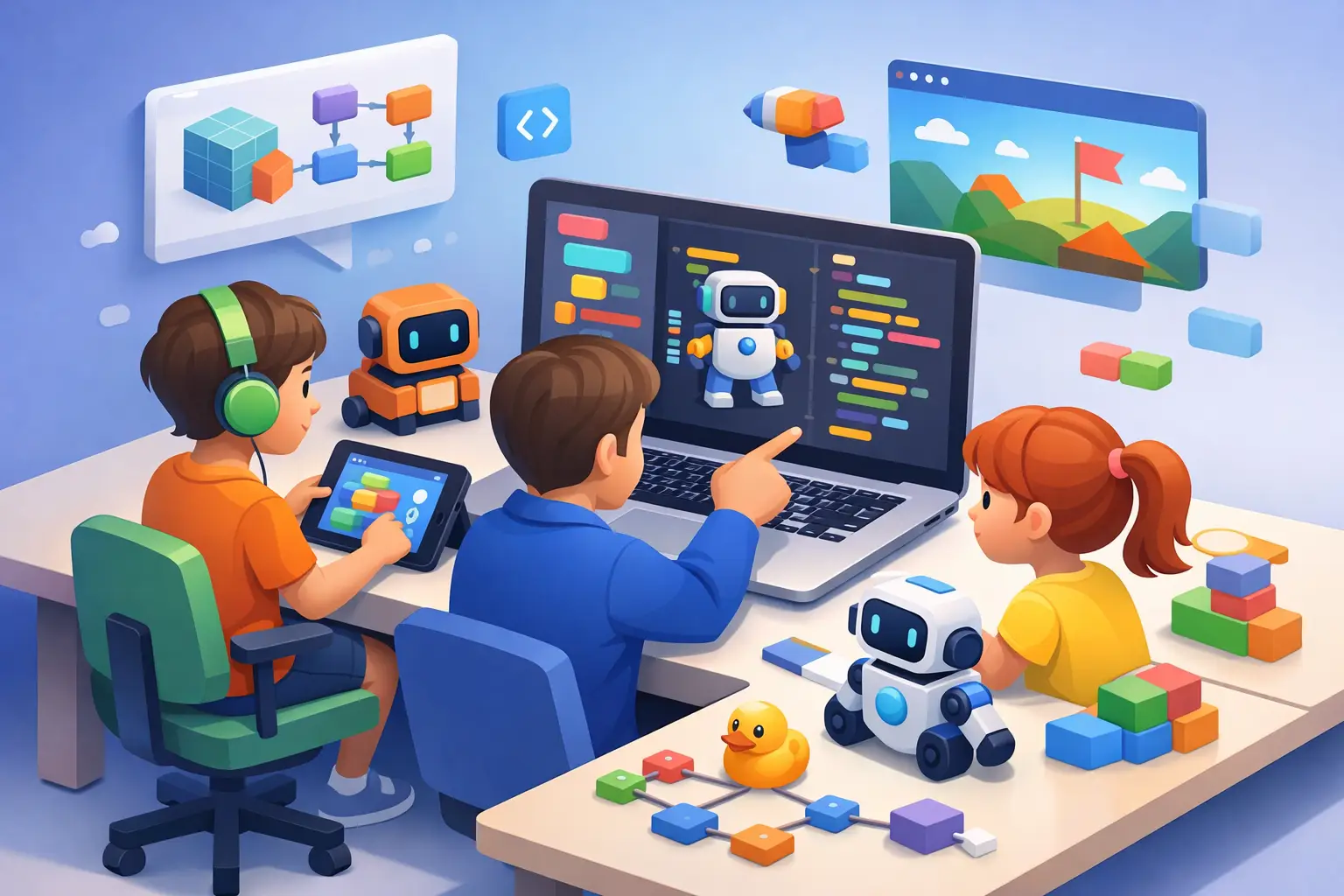
A child who gets stuck on a math worksheet may be quick to say, “I can’t do this.” Put that same child in front of a character they want to make move across a screen, and the response can change: they try, test, laugh at an unexpected result, and try again. That is the real promise of coding for kids. It is not about turning every child into a software engineer. It is an opportunity to practice reasoning, creativity, and persistence through something they can see and control.
For parents of children with ADHD, dyslexia, learning differences, or attention challenges, the right introduction matters. A program that feels too fast, too text-heavy, or too focused on getting the “right” answer can create frustration. A well-matched first experience can offer a different kind of learning space: visual, hands-on, and built around small wins.
What children actually learn through coding
Coding is often described as a future job skill. That is true, but it is not the most useful place to start with a young learner. Early coding teaches children how to break one big idea into smaller steps. If they want an on-screen character to jump, collect an object, and play a sound, they need to decide what happens first, next, and if something goes wrong.
This process may support several everyday learning habits. Children practice sequencing, noticing patterns, planning ahead, and revising an approach that did not work. Those skills can carry into writing, math, science projects, and independent schoolwork.
The emotional side matters just as much. Code rarely works perfectly on the first try. When children learn that a mistake is information rather than proof they are “bad at it,” they get repeated practice with productive persistence. For a child who has experienced frequent correction at school, that shift can feel meaningful.
Coding should not be framed as a shortcut for attention, reading, or academic struggles. It is one educational activity among many. Its value depends on the child’s interest, the adult support available, and whether the learning format respects the child’s current abilities.
Coding for kids starts with the right format
The best first tool is not always the most advanced one. In fact, starting with complex syntax too early can make coding feel like another spelling test. Parents can choose a format based on age, reading comfort, working memory, and motivation.
Ages 4 to 7: Tell stories and give directions
For younger children, coding can begin away from a screen. Ask your child to give you exact directions for making a snack, moving through a room, or drawing a simple shape. Follow their instructions literally. If they say, “Walk over there,” ask where “there” is. The sillier the result, the more memorable the lesson becomes.
Screen-based tools for this age group should rely on large visual blocks, characters, movement, sound, and simple stories. The goal is not to teach programming vocabulary. The goal is to help children connect an instruction with an outcome.
Ages 8 to 11: Build games, animations, and interactive stories
Many children in this range are ready for block-based coding. Instead of typing commands, they snap visual blocks together to create actions. This reduces typing demands and lets the child focus on logic.
A short game is often more motivating than a formal lesson. A child can make a maze, a pet-care game, an animated comic, or a quiz about dinosaurs, soccer, space, or their favorite book. Interest is not a distraction from learning. It is often the engine that keeps them engaged long enough to solve a difficult problem.
Ages 12 and up: Move toward text-based coding when ready
Older children may want to create websites, modify games, analyze data, or build more complex projects. Text-based languages can become a good next step, especially when a child already understands sequencing, conditions, and loops through visual coding.
Readiness is more important than age. A 13-year-old who loves visual coding does not need to rush into typed code to “catch up.” Conversely, a younger child with strong interest and patience may be ready for an early introduction. The best path is the one that keeps challenge and confidence in balance.
How to choose a first coding activity
Before signing up for a class or downloading an app, start with three questions: What does my child enjoy? How much independent reading can they comfortably manage? Do they prefer making things, solving puzzles, or following clear rules?
A child who loves art may enjoy animation. A child fascinated by rules may like logic puzzles or game mechanics. A child who becomes overwhelmed by open-ended choices may do better with a guided project that has a visible finish line.
For children who find long instructions difficult, look for activities that use one task at a time. Visual cues, short videos, replay options, and the ability to pause can reduce unnecessary pressure. If your child has trouble with fine-motor tasks or sustained sitting, use a larger keyboard, voice dictation where appropriate, movement breaks, or short sessions at a table that feels comfortable.
Do not judge a program by whether it looks impressive to adults. Judge it by what happens after your child makes a mistake. Does the platform make it easy to try again? Can your child understand what changed? Are they eager to return to the project? Those answers reveal more than a flashy curriculum description.
A low-pressure routine works better than a big promise
Parents sometimes try to create momentum by setting a large goal: “You will finish this course by the end of the month.” For many children, especially those who already feel school pressure, a smaller rhythm is more effective.
Try two or three sessions a week, each lasting 20 to 30 minutes. End while your child still has a little energy and curiosity left. A session can be successful even if they only change a character’s color, fix one bug, or add a score counter.
When you sit nearby, resist the urge to take over. Instead of saying, “Click this,” try questions such as, “What did you expect to happen?” or “What is one small thing we could test?” This keeps your child in the role of creator. It also teaches them that confusion is a normal part of making something new.
If frustration rises quickly, shorten the task. Ask your child to save the project, name one thing they completed, and step away. Returning with a calmer brain is often more useful than pushing through a difficult moment.
Make projects personal enough to matter
Children stay with coding when it creates something that belongs to them. A generic exercise about moving a square has less pull than a game featuring their dog, a story about a superhero they invented, or a quiz they can show a sibling.
Encourage projects with a real audience, but keep the audience small at first. Your child might show a game to a grandparent, create a birthday animation for a friend, or make a simple classroom quiz. Sharing can build pride, yet public performance is not right for every child. Some children prefer to keep projects private until they feel ready.
It can also help to keep a “project notebook.” After each session, write down what the child made, what was tricky, and what they want to add next time. This creates a visible record of progress, which can be especially encouraging when growth feels gradual.
Watch for the difference between challenge and overload
A good coding activity asks a child to stretch a little. It should not leave them regularly discouraged, exhausted, or convinced they are failing. If that happens, it may mean the tool, pace, or project size needs adjusting.
Common signs that a reset may help include repeated avoidance, anger that starts before the session begins, or a child who cannot explain what the lesson is asking them to do. Move back to a simpler project, reduce the number of instructions, or choose a different format. Coding is broad enough to offer many entry points.
It is also okay if coding does not become your child’s favorite activity. Some children will find their creative outlet in music, building, sports, drawing, or hands-on science. The goal is not to force a future identity. It is to offer a chance to explore how ideas can become actions, one small instruction at a time.
Questions parents often ask
Does my child need to be good at math first?
No. Early coding uses patterns and logic, but children do not need advanced math skills to make animations, stories, or simple games. Coding can even make abstract ideas feel more concrete because children can see what their instructions do.
Is more screen time a concern?
It can be, depending on the child and the activity. Creative screen time is different from passive scrolling, but it still benefits from boundaries. Short sessions, regular movement breaks, and a clear purpose help keep coding intentional.
Should my child learn alone or in a class?
It depends on personality and support needs. Some children thrive with peers and a teacher who can answer questions. Others concentrate better at home with a parent nearby. A trial session can tell you more than a long commitment.
Start with a project small enough to finish and personal enough to care about. When a child sees an idea become a moving character, a funny animation, or a game someone else can play, coding becomes less about technology and more about a powerful message: “I can make things work.”