




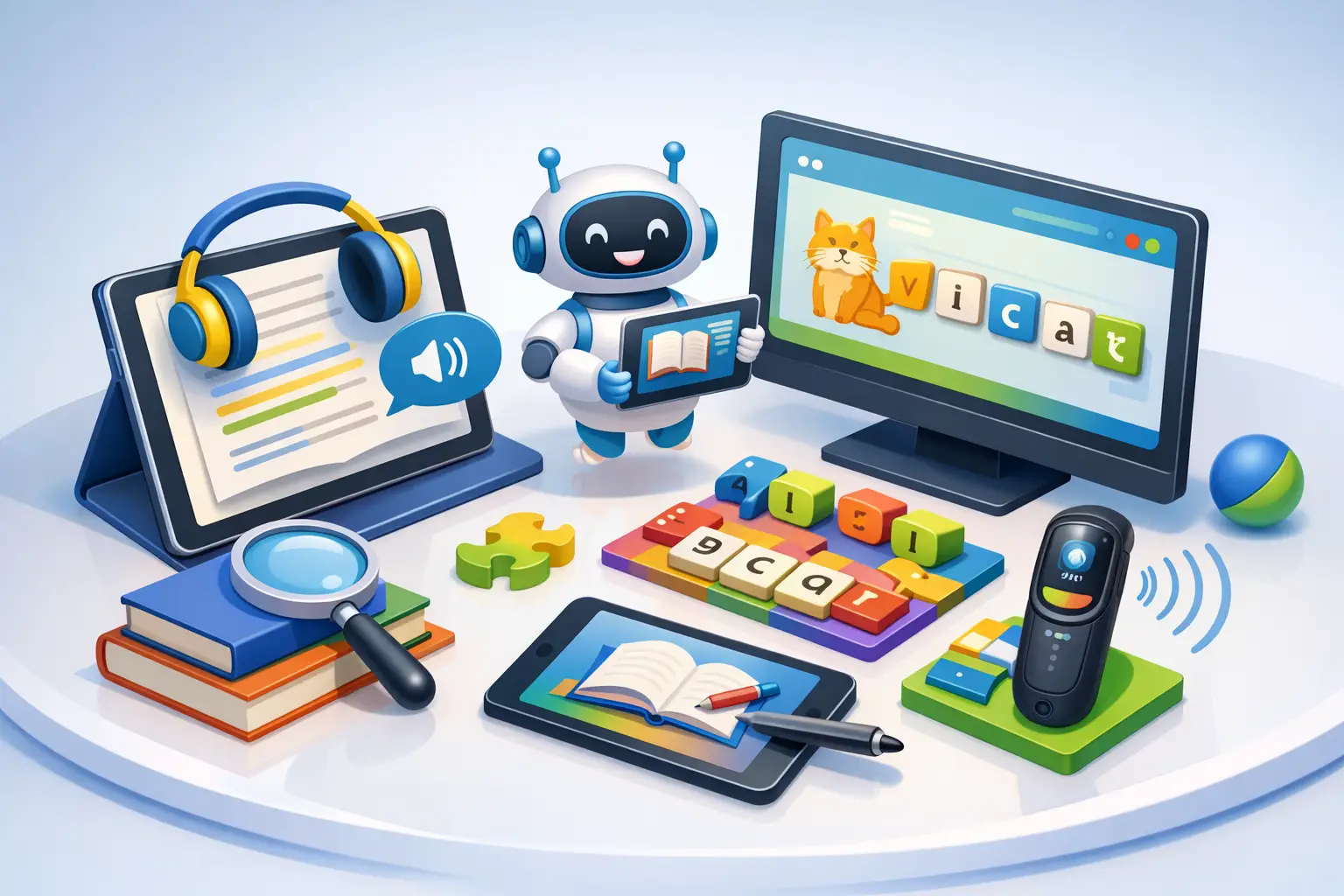
A child can understand a story perfectly when it is read aloud, then freeze when the same story appears on a page. That gap is exactly why families look for top dyslexia technology solutions: not to make learning effortless, but to reduce unnecessary friction and give a child more ways to show what they know.
The strongest technology plan is rarely one app or one device. It is a thoughtful mix of access tools, skill-building practice, and home routines that protect confidence. What works best depends on your child’s age, reading profile, school demands, and willingness to use the tool consistently.
What Makes Dyslexia Technology Worth Using?
Good technology does more than add screen time. It should solve a clear learning problem: decoding a dense passage, organizing written ideas, keeping up with classroom reading, or practicing skills without embarrassment. The right tool gives your child greater access to grade-level ideas while they continue building reading and writing foundations.
Parents often ask whether technology will become a crutch. That depends on how it is introduced. Text-to-speech, for example, can help a student access science or history content that is currently too demanding to decode independently. It does not replace explicit reading instruction. It helps preserve curiosity while that instruction continues.
Look for tools that are easy enough to use on a difficult school day. A feature that requires six setup steps may sit unused. A tool that helps your child start an assignment with less stress is much more likely to become part of a sustainable routine.
Top Dyslexia Technology Solutions by Need
Text-to-speech for reading access
Text-to-speech reads digital text aloud while highlighting words or sentences on screen. For many children, hearing and seeing language together makes long assignments more manageable. It can be especially useful for textbooks, online articles, worksheets converted to digital files, and school research.
The trade-off is voice quality and formatting. Some tools handle clean digital text beautifully but struggle with scanned worksheets or complicated page layouts. Before choosing one, test it with the actual materials your child brings home. Also encourage active listening: pausing to predict, highlighting key ideas, and discussing unfamiliar words. Passive listening alone is less likely to build understanding.
Audiobooks for knowledge and motivation
Audiobooks can keep a child connected to stories that would otherwise feel out of reach. This matters more than it may seem. Reading difficulty can slowly turn a child away from books, even when they have strong imagination, vocabulary, and ideas.
Use audiobooks alongside print when possible. Following a physical or digital copy while listening can reinforce word awareness and reduce the pressure of decoding every line alone. Let your child choose some titles purely for enjoyment. Not every book experience needs to become a lesson.
Speech-to-text for written expression
Some children have far more to say than they can comfortably write or type. Speech-to-text lets them speak a first draft, then revise it with support. It can be a powerful bridge for book reports, essays, brainstorming, and short-answer homework.
Dictation works best when children learn how to use it. They may need to speak punctuation aloud, pause between ideas, and review the transcript rather than submitting it immediately. Start with low-pressure tasks such as describing a picture or telling the plot of a favorite movie. Over time, the tool can help separate the challenge of composing from the mechanics of spelling and handwriting.
Word prediction and spelling support
Word prediction tools suggest likely words as a child types. Spelling support can offer choices, definitions, or read-aloud confirmation. These features reduce the number of barriers between an idea and a finished sentence, particularly for students who lose momentum when every other word needs to be checked.
They are most helpful when the suggestions are limited and relevant. Too many options can interrupt thinking. Encourage your child to listen to a suggested word before selecting it and to ask, “Does this word say what I mean?” That small habit supports independent editing rather than automatic clicking.
Optical character recognition for paper materials
Many school resources still arrive as paper handouts, photocopies, or books. Optical character recognition, often called OCR, converts a photo or scan of printed text into selectable digital text that can be enlarged, read aloud, or translated into a more usable format.
OCR quality varies. Blurry photos, handwriting, decorative fonts, and folded pages can create errors. A simple phone stand, good lighting, and a quick review of the scanned text can make a major difference. For families managing stacks of worksheets, this feature can be one of the most practical forms of support.
Visual organization tools
Dyslexia can affect more than reading. Planning an essay, remembering multi-step instructions, and organizing notes can also consume a great deal of energy. Digital graphic organizers, color-coded calendars, visual checklists, and mind-mapping tools help make thinking visible.
The best system is usually the simplest one your child will actually open. A middle school student may benefit from a weekly assignment board with three priorities per day. An elementary child may do better with a picture-based checklist for packing a backpack and starting homework. Avoid building a complicated productivity system for a child who needs one clear next step.
Brain-training wellness practices
Some families also explore structured brain-training wellness practices as part of a broader learning routine. EEG-based neurofeedback uses real-time feedback from brain signals to support attention and self-regulation practice. For children who find it hard to settle into reading, stay with a task, or recover after frustration, this may complement educational supports.
It should be viewed realistically. Neurofeedback is not a shortcut around structured literacy, school accommodations, sleep, movement, or consistent routines. It may be most useful when families define a specific goal, track day-to-day observations, and keep expectations measured. Auto Train Brain offers an at-home neurofeedback and brain-training wellness practice designed for families who want progress to feel more visible and intentional.
How to Choose a Technology Stack Without Overbuying
Start with the moment that causes the most friction. Is your child spending an hour decoding a chapter they understand when it is read aloud? Begin with text-to-speech or audiobooks. Are strong ideas disappearing because writing takes too long? Start with speech-to-text. Is homework becoming a battle because papers, assignments, and instructions are scattered? Try visual organization and OCR first.
Then choose one access tool and one practice tool rather than introducing everything at once. Access tools help your child participate now. Practice tools support the skills and habits they are developing over time. Too many new platforms can create another source of stress for both child and parent.
For school-age children, ask the school team what formats and supports are already available. Under IDEA, eligible students may have an individualized plan that includes supports for accessing learning materials. Bring concrete observations instead of general concerns: “She understands the chapter when listening but cannot finish it independently,” or “He dictates a detailed answer but writes only one sentence by hand.” Specific examples lead to more productive conversations.
Make the Tool Feel Like Support, Not a Label
Children are quick to notice when a tool makes them feel different. The language adults use matters. Rather than saying, “You need this because reading is hard,” try, “This helps you get your ideas out faster,” or, “This lets you listen to the same information while your reading skills grow.”
Offer choice wherever possible. Let your child select the voice used for read-aloud, choose a headphone style, or decide whether to dictate in a quiet room or at the kitchen table. Ownership increases the chance that technology becomes a trusted support instead of another adult-imposed task.
Finally, measure progress beyond reading speed. Notice whether your child starts homework with less resistance, talks more confidently about books, completes assignments with fewer reminders, or has more energy left for family time. These shifts can be meaningful signs that the learning environment is becoming more workable.
The right technology does not define your child’s path. It simply gives their intelligence, creativity, and effort a clearer way to be seen. Individual results may vary.
Auto Train Brain is not a medical device. It does not diagnose, treat, cure or prevent any disease or condition, and it is not a substitute for assessment, diagnosis or care from a qualified professional. Results vary from person to person and are not guaranteed.