




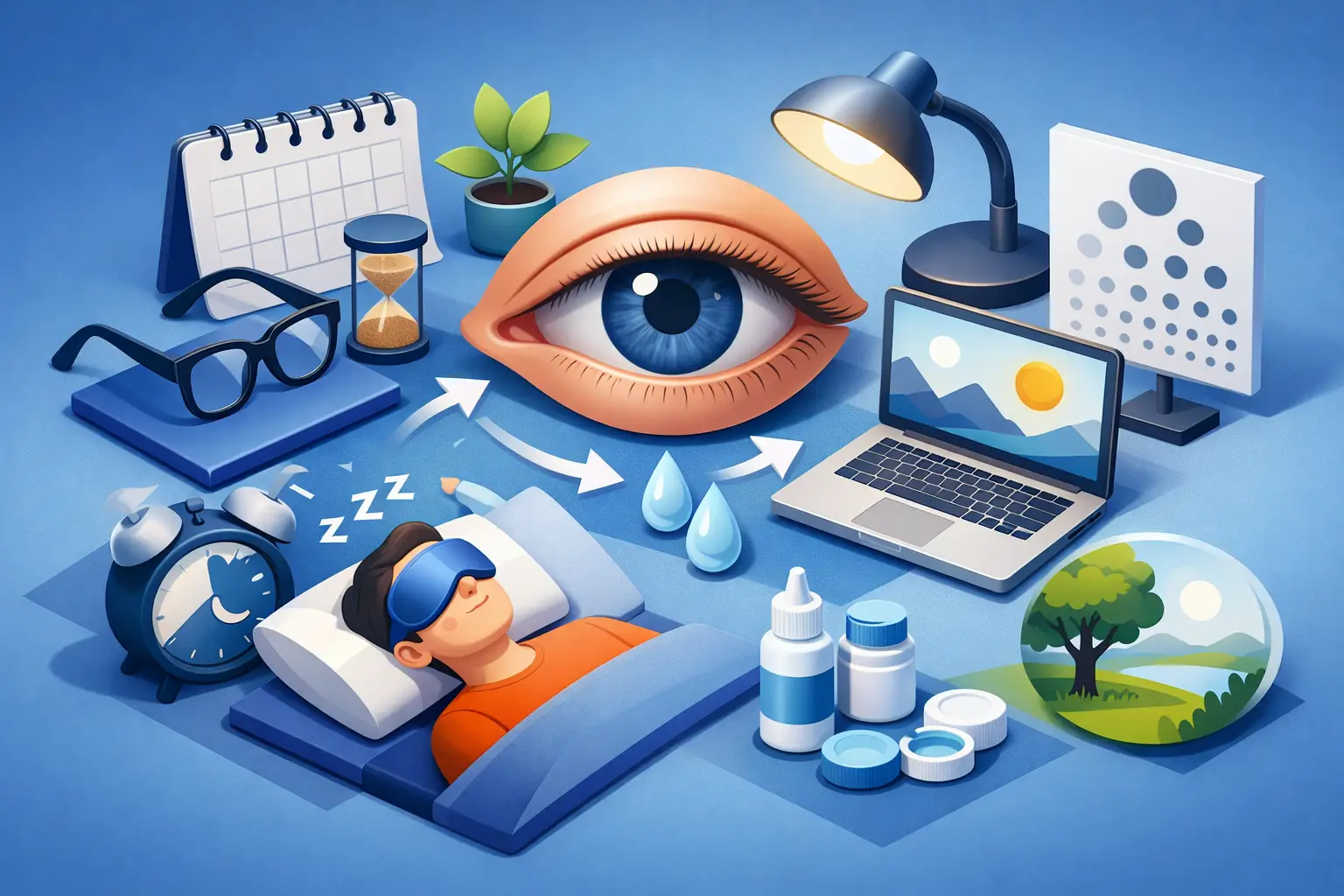
By 3 p.m., the words on the screen may still be readable, yet your eyes feel heavy, dry, and oddly unfocused. You rub them, turn up the brightness, and push through one more meeting or school email. This is the familiar pattern of göz yorgunluğu – visual fatigue that often builds quietly through a screen-heavy day.
For many parents, the strain is not limited to their own workday. It can show up during homework support, late-night scrolling, online forms, and the constant switching between a laptop and phone. The answer is rarely to ban screens altogether. A more useful goal is to create conditions that ask less of your eyes while helping your whole household notice when a break is needed.
What Göz Yorgunluğu Can Feel Like
Eye fatigue is a description of how your eyes and visual attention respond to sustained demand. It may feel like tired, irritated, watery, or dry eyes. Some people notice a dull headache, trouble holding focus on text, sensitivity to bright light, or tension through the forehead, neck, and shoulders.
The symptoms can overlap with ordinary exhaustion, dehydration, poor sleep, or an outdated glasses or contact lens prescription. That is why the pattern matters. If discomfort appears after long periods of close-up work and improves when you step away, visual strain may be part of the picture.
Screen use is a common trigger, but it is not the only one. Reading fine print in dim light, driving for long stretches, working under glare, and concentrating on detailed tasks can all create the same sense that your eyes have reached their limit.
Why Screens Create So Much Visual Demand
When you look at a screen, your eyes are doing more than simply seeing words. They are repeatedly shifting focus, tracking movement, managing contrast, and adjusting to brightness. At the same time, concentrated screen use tends to reduce blinking. Less blinking can leave the surface of the eye feeling dry or scratchy.
Distance also matters. A phone held close requires more focusing effort than a larger screen placed farther away. Small text compounds the problem because your eyes have to work harder to distinguish detail. Many people respond by leaning in, narrowing their eyes, or tensing their shoulders, which can make the whole experience more uncomfortable.
There is a useful trade-off to remember: making text larger and moving a screen farther away can reduce visual effort, but only if the setup still allows comfortable posture. A huge monitor placed too far away may lead to leaning forward. A tiny phone held close may create a different kind of strain. The best arrangement is the one that lets you read clearly without squinting, hunching, or constantly readjusting.
It Is Not Always About Blue Light
Blue-light discussions often dominate conversations about screen discomfort, but they can distract from the habits that usually make the biggest daily difference. Glare, tiny text, long unbroken sessions, dry air, poor screen position, and lack of sleep are more immediate factors for many people.
If a warm display setting feels more comfortable in the evening, use it. Just do not expect one setting or pair of glasses to compensate for hours of uninterrupted close work. A better plan changes the rhythm of the day, not only the color of the screen.
A More Comfortable Screen Setup
Start with the screen you use most. Place the top of your monitor at or slightly below eye level, with the display roughly an arm’s length away. Your exact distance depends on screen size and your vision needs, but you should be able to read without leaning toward it.
Adjust text size before adjusting brightness. If text feels small, enlarge it. Brightness should generally feel close to the light level around you: a screen that glows like a lamp in a dark room can be harsh, while a dim display in a bright room can make you squint.
Pay attention to glare from windows, overhead lights, and reflective surfaces. Repositioning a desk by a few feet, angling the monitor, or using a shade at the right time of day can make a noticeable difference. The goal is not a perfect workspace. It is fewer small irritations competing for your attention.
For phone use, raise the device closer to eye level when possible instead of lowering your head toward it. This may feel awkward at first, but it can reduce the combined burden on your eyes, neck, and upper back.
The Break Habit That Actually Fits a Busy Day
The popular 20-20-20 approach is simple: about every 20 minutes, look at something around 20 feet away for 20 seconds. It gives your focusing system a change of task and creates a reminder to blink fully.
Still, a timer every 20 minutes is not realistic for every job, classroom, or family routine. If it interrupts your concentration, build breaks around natural transitions instead. Look away after sending an email, finishing a worksheet, ending a video call, or completing a chapter.
The key is frequency, not perfection. A brief visual reset done several times a day is more practical than a long break you never take. During that reset, look across the room or out a window, relax your jaw, drop your shoulders, and blink slowly a few times. It takes less than a minute, yet it changes the pattern of continuous close focus.
Helping Children Notice Eye Fatigue Without Making Screens the Enemy
Children may not describe eye strain clearly. They might complain that schoolwork is boring, avoid reading, rub their eyes, lose their place on the page, or become more restless near the end of an assignment. Those behaviors can have many causes, so it helps to stay curious rather than assume the screen is the whole problem.
Try a short observation period. Notice whether discomfort appears with a particular device, at a particular time of day, or during tasks with dense text. Check whether the child is sitting too close, working in dim lighting, or using a screen with text that is too small. Small changes can make homework feel more manageable without turning the conversation into another rule.
For children with attention or learning differences, transitions can be especially valuable. A planned pause after a short work block may support comfort and help prevent frustration from building. Keep the language neutral: “Let’s give your eyes a far-away break,” rather than “You have been on the screen too long.”
At ATB, we view daily learning habits through a wellness and educational lens. A supportive setup, clear routines, and realistic breaks can reduce unnecessary friction so children and parents can direct more energy toward the task itself.
Everyday Factors People Often Miss
Visual comfort is connected to the rest of your routine. Poor sleep can make it harder to focus and may amplify the feeling of tired eyes. Dry indoor air, heating or air conditioning vents blowing toward your face, and not drinking enough water can also contribute to discomfort.
Contact lens wearers may notice strain differently than people who wear glasses or no correction. If your eyes consistently feel dry or blurry later in the day, it is worth discussing your experience with an eye care professional rather than endlessly changing screen settings.
It also helps to separate visual fatigue from general overload. When you are stressed, you may hold your breath, tense your face, and blink less. A five-minute walk, a glass of water, or a pause away from notifications can help because the issue is sometimes the intensity of the workday, not just the display in front of you.
When to Get Professional Guidance
Most occasional eye fatigue improves with rest, better lighting, and more comfortable screen habits. But persistent or worsening symptoms deserve attention. Arrange an eye exam or speak with an eye care professional if you notice recurring blurred vision, double vision, ongoing eye pain, frequent headaches, a major change in vision, or discomfort that does not improve after time away from close work.
Seek prompt professional guidance for sudden vision changes, flashes of light, a curtain-like shadow in your vision, significant eye injury, or severe pain. These experiences should not be managed by screen-break strategies alone.
An updated vision check can be particularly useful for children who are struggling with reading comfort or adults who have started compensating by squinting, moving closer to screens, or avoiding detailed work. Asking for support is not overreacting. It is a practical way to understand what your eyes need.
Your eyes do not need a flawless routine. They need regular moments when they can look farther away, blink, reset, and stop working so hard. Start with one change you can keep this week – larger text, less glare, or a brief far-away break between tasks – and let that small habit earn its place in your day.