




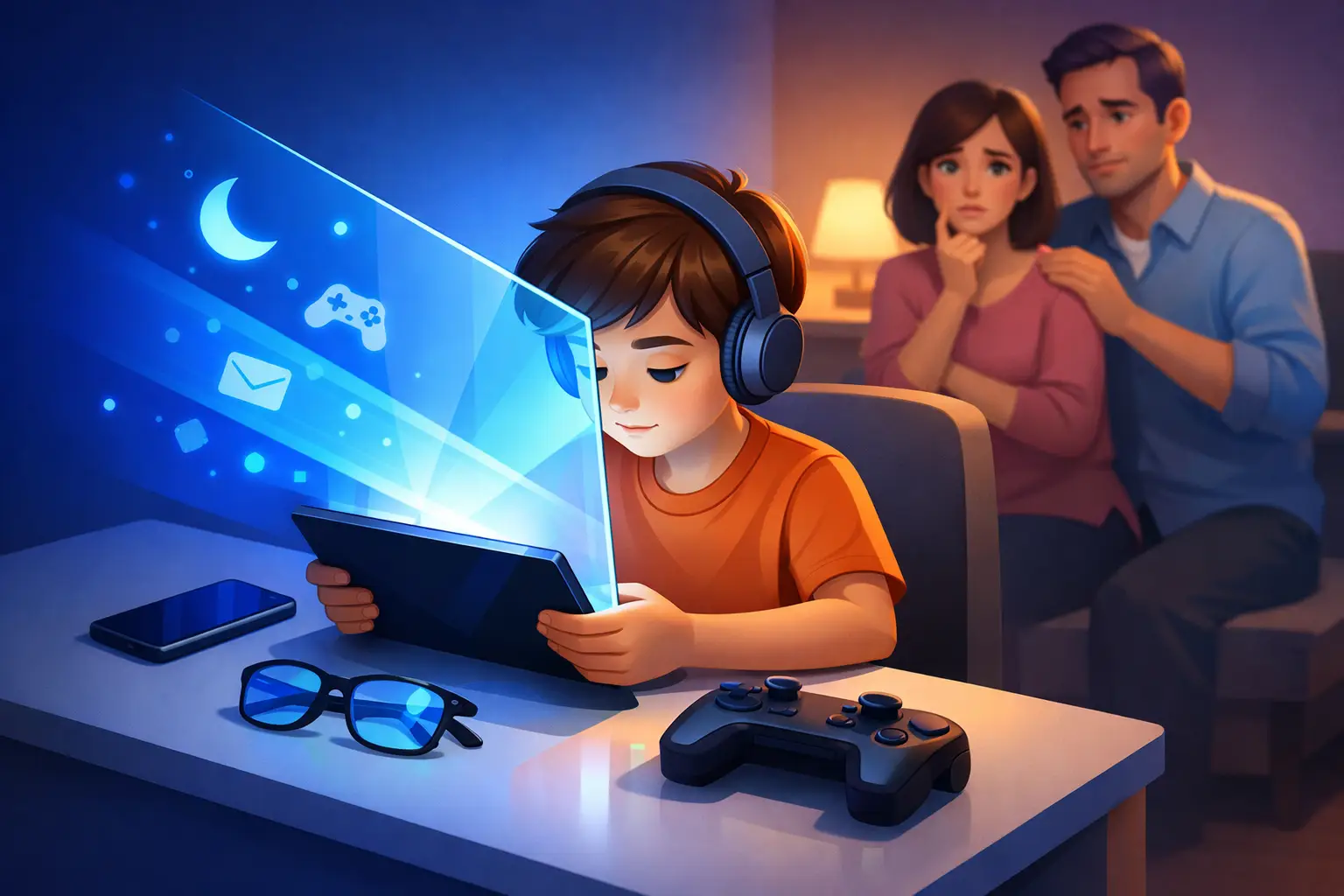
A tablet glowing across the back seat at 8:30 p.m. can feel like a small parenting win: your child is calm, occupied, and the ride home is quieter. Then bedtime stretches, the next morning starts hard, and you wonder whether the screen itself is part of the problem. That is usually where the search for a mavi ışık filtresi begins.
Blue-light filters are often presented as a simple answer to a complicated family challenge. They can be useful, especially in the evening, but they are not a free pass for unlimited late-night scrolling, gaming, or videos. For children with attention differences, learning challenges, sensory sensitivities, or simply a full school-day load, the best results often come from looking at the whole screen routine rather than one setting alone.
What a mavi ışık filtresi actually changes
Screens produce light across many wavelengths. Blue light is one part of that visible spectrum, and it is not automatically bad. During daylight hours, blue-rich light helps signal alertness to the brain. It is one reason morning daylight can help a child feel more awake and ready to engage.
The issue is timing. In the evening, bright light from phones, tablets, computers, and televisions may make it harder for the brain to transition toward sleep. A mavi ışık filtresi shifts a display toward warmer amber or orange tones by reducing some blue wavelengths. Features labeled Night Shift, Night Light, Eye Comfort, or bedtime mode generally work in this way.
That warmer screen may feel more comfortable in a dark room and may reduce one source of evening stimulation. But the filter does not remove all light, and it does not change what your child is doing on the device. A fast-paced game, emotionally charged group chat, difficult homework assignment, or endless short-form video feed can keep the mind activated even when the screen has turned orange.
The trade-off parents should understand
A blue-light filter is easy to activate. Building an evening routine takes more intention. That difference matters because the filter can create a false sense that every type of screen use is equally suitable before bed.
Brightness is often just as relevant as color. A very bright, warm-toned tablet can still be disruptive in a dark bedroom. Screen distance matters too. So does duration. Thirty minutes of a dim, warm display used for a quiet family video may affect a child differently than two hours of close-up gaming under the covers.
Content is the other overlooked factor. Some children become mentally energized by competitive games or rapid visual changes. Others find a familiar audiobook, calming music, or a simple drawing app easier to leave behind. There is no universal response, particularly for neurodivergent children whose sensory needs and transition patterns can vary widely.
The useful question is not, “Does the filter solve screens at night?” It is, “Does this setting fit the routine my child needs to settle?”
When a blue-light filter may be helpful
A mavi ışık filtresi makes the most sense as one layer of a family’s digital routine. Turn it on automatically at sunset or one to two hours before the household’s target bedtime. This removes the need for a nightly negotiation and gives children a predictable visual cue that the day is winding down.
It can be especially practical when a child needs a device for schoolwork, communication, travel, or a structured evening activity. In these situations, reducing brightness, choosing warmer tones, and keeping the device outside the bedroom after use can create a more supportive boundary than asking a child to avoid screens completely.
For families supporting children with ADHD, dyslexia, or sensory differences, predictability is often more valuable than perfection. A consistent sequence such as “filter turns on, homework wraps up, device charges in the kitchen, then shower and reading” can lower the friction of transitions. The filter becomes a cue, not the entire strategy.
Build an evening screen plan that children can follow
The strongest routines are specific enough to follow on a busy Tuesday. Instead of saying “less screen time,” decide what happens after a certain time and where devices go next.
Start with the bedtime you are working toward, then create a realistic screen cutoff window before it. Many families begin by protecting the final hour before sleep. If that feels impossible right now, start with 20 or 30 minutes and make it consistent for a week. A routine that happens most nights is more useful than an ideal plan that creates conflict and disappears after two days.
Use the device settings together with your child. Lower brightness, activate the warmer display mode, and disable nonessential notifications. Let older children help choose the reminder that signals “last video” or “final game.” Participation can reduce resistance because the boundary feels like a family agreement rather than a sudden punishment.
Then give the evening a replacement activity. This matters more than it sounds. Children do not simply stop using a device; they need somewhere to put their attention. A shower, a short stretch, a low-pressure conversation, a printed comic, music, or preparing clothes for the next day can create a bridge between a stimulating day and sleep.
Watch patterns, not one difficult night
Parents often make screen decisions after a rough evening, but a single night cannot tell you much. Try a small family experiment for seven to 14 days. Keep the blue-light filter on after a set time, reduce brightness, and use the same device cutoff as often as possible. Notice what changes.
You might track how long settling down seems to take, how often your child asks for “just one more,” how mornings feel, and whether school-day focus seems different. Keep the notes brief. A few words in your phone or on a kitchen calendar are enough.
Look for patterns rather than proof. If bedtime becomes less tense and your child wakes more easily, that routine may be worth keeping. If nothing changes, the missing piece may be content, device location, inconsistent timing, caffeine, a crowded after-school schedule, or another part of the evening rhythm. The goal is not to blame screens for every challenge. It is to understand which adjustments help your particular child.
What about blue-light glasses?
Blue-light glasses are another common option. Some children like them because they feel tangible: putting them on can signal that homework or evening reading has started. Others dislike the fit, forget them, or find the color shift annoying. Their value depends largely on whether your child will use them consistently and whether they are paired with sensible screen habits.
For screen use, built-in device settings are usually the simpler first step because they are available every evening without another item to manage. Glasses may make more sense when a child moves among several screens or needs a personal routine cue. Either way, do not overlook the basics: moderate brightness, breaks during close-up work, and an evening endpoint.
A calmer goal than perfect screen control
Families do not need to fear every glowing screen. Screens support learning, connection, creativity, and moments of necessary quiet. The better standard is intentional use: daylight and active tasks when possible, warmer and dimmer screens later on, and a clear path away from devices before sleep.
A mavi ışık filtresi can support that plan, but it works best when it is part of a wider rhythm your child recognizes. Small, repeatable changes often create more room for calmer evenings than one dramatic rule ever could.